
How to Create & eSign an MOU Online India

Priya Sharma
Priya covers digital signature regulations and compliance frameworks under Indian IT law. She has written extensively on Aadhaar-based authentication and document signing workflows.
You can create and eSign an MOU online in India using Aadhaar OTP, and the signed document is legally recognised under the IT Act 2000. The process takes under 30 minutes once your draft is ready.
What Is an MOU and When Do You Use It?
A Memorandum of Understanding (MOU) is a written agreement between two or more parties that outlines the terms of a proposed arrangement or ongoing relationship. Unlike a formal contract, an MOU often (though not always) lacks the enforceability of a contract under the Indian Contract Act 1872.
MOUs are used when:
- Two companies are exploring a partnership — before investing in a full joint venture agreement, they sign an MOU to confirm intent and protect confidential information shared during discussions
- A startup is in early talks with an investor — to outline the proposed deal structure before a term sheet is finalised
- Government or institutional collaboration — departments and NGOs frequently use MOUs to formalise cooperation without creating binding financial obligations
- Vendor pre-qualification — a company signals intent to award a contract to a vendor pending due diligence
- Academic or research collaboration — universities and research institutions use MOUs to define the scope of joint projects
The key difference from a contract: an MOU typically expresses intent rather than obligation. However, this distinction is not automatic — an MOU can be enforceable as a contract if it contains the essential elements of a valid contract under Section 10 of the Indian Contract Act: offer, acceptance, consideration, and free consent between competent parties.
If your MOU includes specific payment obligations, deliverables, and timelines, a court may treat it as a binding contract regardless of the title on the document.
Legal Standing of MOUs in India
Indian courts have taken a case-by-case approach to MOU enforceability. The Supreme Court in Jai Narain Parasrampuria v. Pushpa Devi Saraf (2006) held that whether an MOU is binding depends on the parties' intention and the presence of contract essentials — not the label "MOU" or "Agreement."
What this means for you:
- If you want the MOU to be non-binding, explicitly state: "This MOU is not intended to create legally binding obligations between the parties except where expressly stated."
- If you want specific clauses to be binding (confidentiality, exclusivity, IP ownership during the discussion period), list them separately under a heading like "Binding Provisions."
- MOUs without consideration (no payment, no exchange of value) are typically not enforceable as contracts, but they can still serve as evidence of intent in disputes.
Stamp Duty on MOUs in India
This is where most people get confused. Stamp duty requirements for MOUs vary by state and by the nature of the agreement:
- Non-binding MOUs (expression of intent only): Generally not subject to stamp duty in most states
- MOUs with specific financial obligations: May attract stamp duty as an "agreement" under the relevant State Stamp Act
- MOUs between companies involving transfer of assets, shares, or property: Almost certainly subject to stamp duty
Key state-specific notes:
- Maharashtra: MOUs that function as agreements are stamped as per Schedule I of the Maharashtra Stamp Act
- Delhi: The Delhi Stamp Act 2001 applies to agreements executed in Delhi
- Karnataka, Tamil Nadu, Telangana: Each has its own Stamp Act schedule
When in doubt, have a lawyer review the document before execution.
Essential Clauses for an MOU
A well-drafted MOU should include the following sections:
1. Parties — Full legal names, registered addresses, and capacity in which each party is entering the MOU.
2. Purpose and Scope — A plain-language description of what the MOU is about and what activities or collaboration it covers.
3. Binding vs Non-Binding Statement — Explicitly state which clauses are binding (typically confidentiality, exclusivity, and dispute resolution) and which are non-binding.
4. Confidentiality — Any information shared during the collaboration must be protected. Specify the duration — typically 2–3 years.
5. Exclusivity (if applicable) — If one party is agreeing not to negotiate with competitors during the MOU period, state this clearly.
6. Intellectual Property — Clarify who owns IP created jointly or shared during the collaboration.
7. Duration and Termination — State the validity period (commonly 6–12 months) and the conditions under which either party can terminate it.
8. Dispute Resolution — Specify the governing law, jurisdiction, and whether disputes should go to mediation or arbitration before litigation.
9. Representations and Warranties — Each party confirms it has the authority to enter the MOU.
10. Signatures — Include signature blocks for authorised representatives of each party, with designation and date.
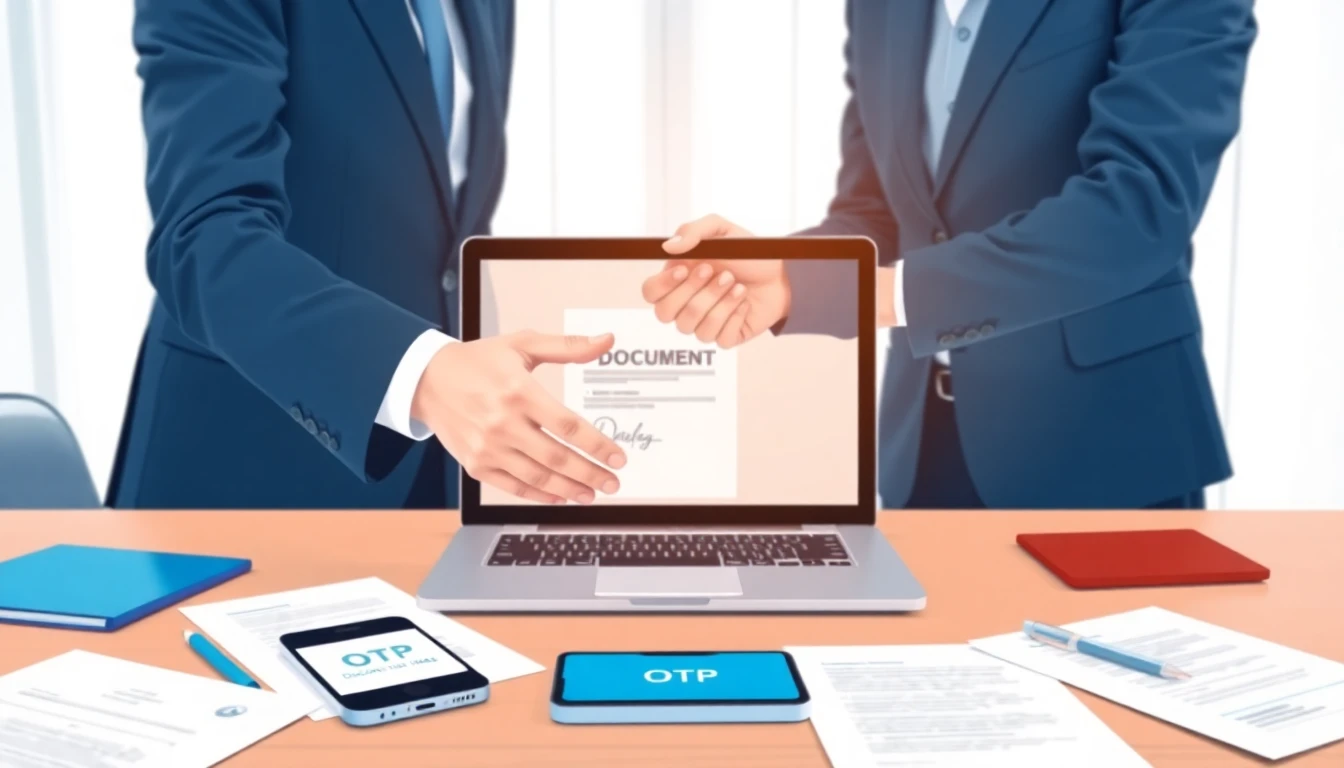
Step-by-Step: How to Create and eSign an MOU Online
Step 1 — Draft the MOU
Draft it in MS Word or Google Docs using the clause framework above. Export the final draft as a PDF.
Step 2 — Determine Stamp Duty Requirements
If stamp duty applies, purchase e-Stamp paper of the required value from your state's authorised vendor or the SHCIL portal. If the MOU is a non-binding expression of intent, proceed directly to eSigning.
Step 3 — Upload to an eSign Platform
Open your eSign platform (SignSetu, for instance, allows you to upload a PDF, add signers, and specify signature locations in a few clicks). Enter the name and mobile number of each party who needs to sign.
Step 4 — Configure Multi-Party Signing
Add both parties as signers. Set the signing order — typically Party A signs first, then the signed document is sent to Party B.
Step 5 — Party A Signs Using Aadhaar OTP
Party A opens the signing link on their device. They review the document, enter their Aadhaar-linked mobile number, receive a 6-digit OTP via SMS, and submit it. The signature is applied and the document is sent to Party B.
Step 6 — Party B Signs
Party B receives a link and follows the same process. Once Party B signs, both parties receive the fully executed document.
Step 7 — Download and Store
Download the signed PDF. The document includes an embedded audit trail — timestamps, Aadhaar authentication confirmation, IP addresses, and a tamper-evident seal. Store this in your document management system.
Enforceability of an eSigned MOU
An eSigned MOU has the same legal standing as a physically signed one, provided:
- The eSign method is Aadhaar OTP-based or equivalent, as approved under IT Act 2000 Section 3A
- Both signatories had capacity to sign
- The document content itself meets any enforceability requirements
The digital audit trail actually makes an eSigned MOU easier to enforce than a physically signed one — you have clear proof of who signed, when, and using what authentication method.
Common Mistakes to Avoid
Using "MOU" when you mean a contract: If the arrangement involves money changing hands, deliverables, and deadlines, draft a proper contract with consideration clearly stated.
Skipping stamp duty when it applies: An unstamped agreement (where stamp duty is applicable) is not admissible as evidence in Indian courts unless the deficit stamp duty is paid with penalty.
No expiry date: An MOU without a defined duration can create ambiguity. Always include a validity clause.
Generic confidentiality clauses: If confidential information is actually being shared, specify what it covers and for how long.
Not getting authorisation confirmed: For company MOUs, verify the signatory's authority before sending for signature.
Summary
Creating and eSigning an MOU online in India is straightforward if you approach it in the right order: draft carefully, check stamp duty, upload to an eSign platform, and execute with Aadhaar OTP authentication. The resulting document is legally recognised under the IT Act 2000 and carries a stronger audit trail than a physical signature.
The critical step that most people skip is determining enforceability intent upfront — decide whether you want the MOU to be binding, and draft accordingly. If you want to understand the broader context of how electronic signatures work in India, the guide on Aadhaar eSign legal validity covers the regulatory framework in detail.
Related Posts
Leave and License Agreement in Pune [2026 Guide]
Leave and license agreement in Pune: learn stamp duty, registration, and key clauses under the Mahar...
Rent Receipt Format in Word: Download and Fill
Rent receipt format in Word for HRA claims. Learn what a rent receipt must contain under Indian tax ...
What is a Shareholder Agreement? Complete Guide
A Shareholder Agreement governs the rights of shareholders in a company. Learn what an SHA is, key c...
Sign docs in 2 min · ₹15